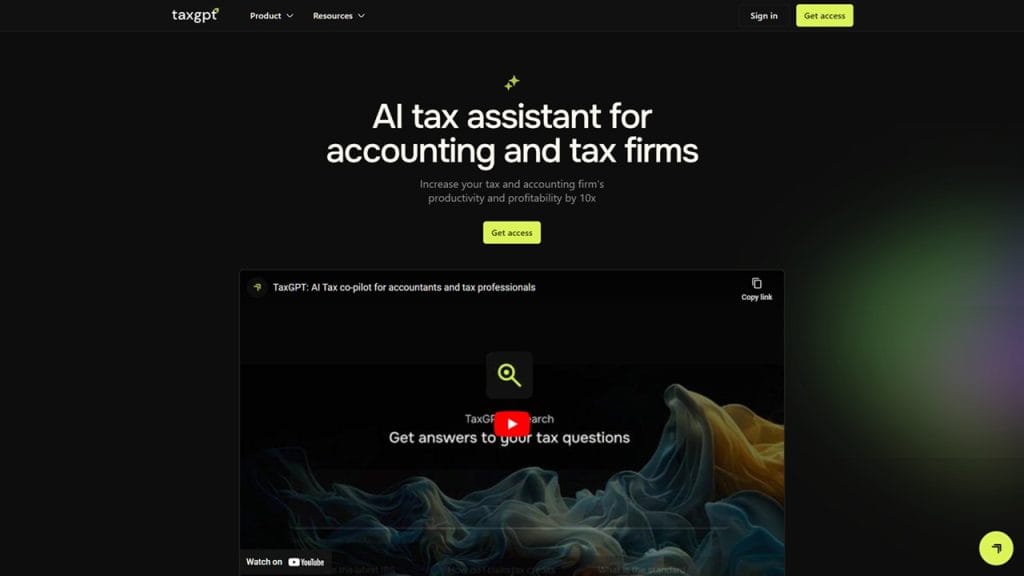
What is TaxGPT?
TaxGPT is an AI-powered tax assistant designed to simplify and automate the complexities of tax preparation and filing. Whether you’re an individual taxpayer, small business owner, or accounting professional, TaxGPT uses advanced natural language processing and machine learning to provide instant answers to tax-related questions, analyze documents, and help users stay compliant with the latest tax regulations.
With an intuitive interface and fast processing capabilities, TaxGPT saves users time, reduces human error, and makes tax season less stressful. It can even break down complicated tax language into simple terms anyone can understand—no more searching the IRS website for hours.
Key Features
- AI-Powered Tax Assistant: Get immediate, accurate responses to tax-related questions 24/7.
- Document Analysis: Upload W-2s, 1099s, or receipts and let the tool extract relevant data for tax filing.
- Regulation Updates: Stay ahead with real-time updates on federal and state tax law changes.
- Tax Filing Guidance: Step-by-step support for individuals and businesses, including deduction suggestions.
- Multilingual Support: Available in multiple languages to cater to non-English speakers and international users.
✅ Pros
- Time-Saving Automation: TaxGPT dramatically cuts down the hours needed to file taxes, especially for freelancers and entrepreneurs juggling multiple income sources.
- User-Friendly Interface: Even users with minimal tax knowledge can navigate the platform easily and get helpful guidance.
- Data Accuracy: AI-driven analysis helps reduce manual entry errors, improving the accuracy of filings.
- Always Up to Date: The tool constantly updates itself with the latest tax codes, deductions, and compliance changes, so users don’t have to.
❌ Cons
- Limited Human Oversight: While the AI is highly capable, some users may still prefer a certified tax professional for complex returns.
- Premium Tier Pricing: Advanced features like multi-state filing or corporate tax analysis are only available on the paid plan.
- Document Format Limitations: Currently, it only supports PDFs and JPGs for uploads—no Excel or Word files.
Who is Using TaxGPT?
Primary Users
TaxGPT is tailored for a wide range of users, particularly those who face complex tax situations or lack access to affordable tax expertise. Its primary users include:
- Freelancers and Self-Employed Professionals
- Small Business Owners and Entrepreneurs
- Accountants and Tax Preparers
- Remote Workers and Digital Nomads
Use Cases
- Use Case 1: Freelancers Managing Multiple Income Streams
Freelancers often juggle multiple clients and payment platforms. TaxGPT helps consolidate earnings from various sources like PayPal, Stripe, and Upwork, automatically identifying deductible expenses and generating tax-ready reports. - Use Case 2: Small Businesses Navigating Quarterly Taxes
For small business owners, managing quarterly estimated taxes can be overwhelming. TaxGPT simplifies this by providing smart forecasts, deadline reminders, and customized filing suggestions based on business activity. - Use Case 3: Accountants Handling Client Questions
Tax professionals use TaxGPT as a virtual assistant to quickly answer client questions, cross-check tax code changes, and prepare preliminary filing summaries before diving into full returns.
Pricing
TaxGPT offers flexible pricing for individuals, professionals, and businesses:
- Basic Plan – Free
Includes access to AI tax Q&A, simple income tracking, and one document upload per session. - Pro Plan – $14.99/month
Offers multi-document uploads, advanced deduction suggestions, and quarterly tax estimates. Ideal for freelancers and small businesses. - Enterprise Plan – Custom Pricing
Tailored for tax professionals and firms. Includes priority support, client management tools, multi-user access, and API integrations.
Note: For the most accurate and current pricing details, visit the official website at https://www.taxgpt.ai.
What Makes TaxGPT Unique?
TaxGPT isn’t just another tax tool—it stands out through its combination of real-time AI insights and practical usability. Its uniqueness lies in:
- Conversational AI Engine: Unlike static software, TaxGPT engages in natural dialogue, understanding context and intent behind user questions.
- Up-to-Date Legal Intelligence: It constantly syncs with federal and state-level tax changes, eliminating the risk of outdated information.
- Smart Document Recognition: It doesn’t just read your W-2—it understands it. TaxGPT extracts relevant data, maps it to tax categories, and checks for errors or missing info.
- Accessible Expertise: You don’t need to be a tax expert. TaxGPT simplifies even the most complicated terms and guides users with everyday language.
Compatibilities and Integrations
- Integration 1: QuickBooks – Syncs income and expense data directly from your accounting software.
- Integration 2: TurboTax – Export files in compatible formats for direct import.
- Integration 3: Xero – Seamless integration for business accounting users.
- Hardware Compatibility: Fully compatible with Apple Silicon Macs, Intel machines, and Windows PCs.
- Standalone Application: Yes – TaxGPT functions as a standalone web application, accessible on any modern browser without the need for installation.
Tutorials and Resources of TaxGPT
TaxGPT offers a growing library of helpful resources to ensure users get the most out of the platform, whether you’re brand new to tax tools or a seasoned financial pro.
- Getting Started Guide
A step-by-step onboarding tutorial walks you through account setup, linking financial data, uploading documents, and using the AI assistant. - Video Walkthroughs
Short, practical video tutorials are available on TaxGPT’s website and YouTube channel. These cover everything from filing your first return to optimizing deductions. - Help Center & Knowledge Base
The searchable Help Center includes FAQs, troubleshooting tips, and articles explaining core features in simple language. - Live Webinars and Training
Monthly live sessions offer hands-on learning and allow users to ask specific tax-related questions answered by the TaxGPT team. - Email Support and Chatbot
Real-time chat and email support are included in paid plans, making it easy to get help quickly when you’re stuck or need clarification.
How We Rated It
Category | Rating |
Accuracy and Reliability | ⭐⭐⭐⭐⭐ (5/5) |
Ease of Use | ⭐⭐⭐⭐☆ (4.5/5) |
Functionality and Features | ⭐⭐⭐⭐☆ (4.5/5) |
Performance and Speed | ⭐⭐⭐⭐☆ (4.5/5) |
Customization and Flexibility | ⭐⭐⭐⭐ (4/5) |
Data Privacy and Security | ⭐⭐⭐⭐⭐ (5/5) |
Support and Resources | ⭐⭐⭐⭐☆ (4.5/5) |
Cost-Efficiency | ⭐⭐⭐⭐ (4/5) |
Integration Capabilities | ⭐⭐⭐⭐☆ (4.5/5) |
Overall Score | ⭐⭐⭐⭐☆ (4.6/5) |
TaxGPT successfully brings AI into the world of tax preparation, making what used to be a stressful, paperwork-heavy process far more manageable and efficient. With its conversational interface, real-time updates on tax regulations, and smart document parsing, it’s well-suited for freelancers, small business owners, and even accountants looking for time-saving tools.
Its standout strengths are its accuracy, ease of use, and AI-driven insights. While it may lack some human nuance for very complex filings, it more than makes up for it with accessibility and affordability. If you’re looking for a modern, intelligent alternative to traditional tax software, TaxGPT is definitely worth trying.