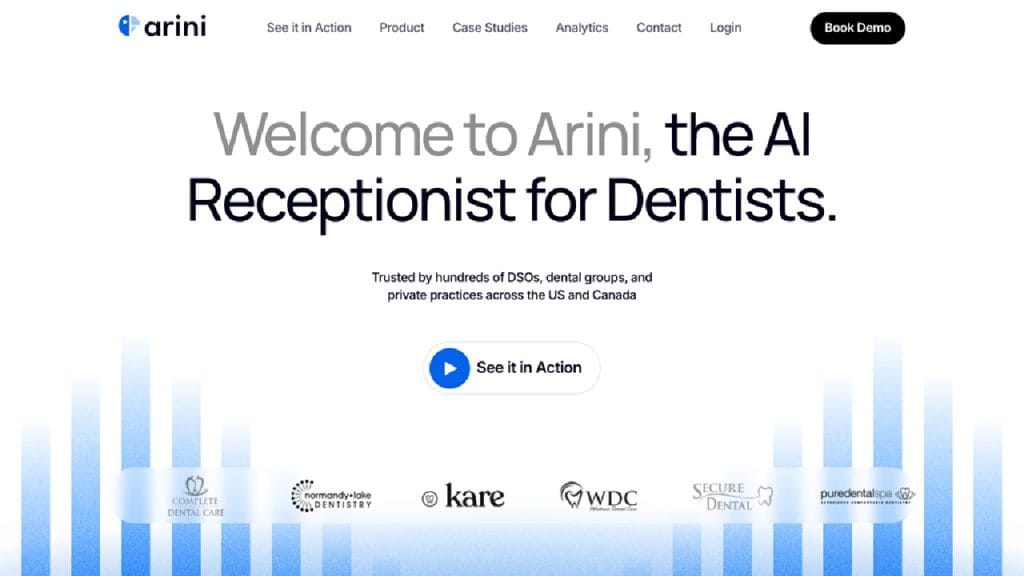
What is Artisan?
Artisan is a cutting-edge AI-powered tool designed for creators who want to streamline their content creation process without sacrificing quality. Whether you’re a solo content creator, a digital marketer, or a small business owner, Artisan helps you bring professional-grade visuals to life — even if you have zero editing experience.
With Artisan, you can enhance videos, edit images, and create visually compelling content quickly and easily. It’s built with smart automation features, enabling users to produce polished results in less time. By eliminating the need for complicated software or expensive editing suites, Artisan makes high-quality content creation accessible to everyone.
Key Features
AI-Powered Image Editing
Transform your photos with one-click enhancements, background removal, filters, and smart corrections that save time and improve quality.
Video Editing Suite
Easily trim, merge, and apply effects to your videos using a drag-and-drop interface powered by intelligent presets.
Video Enhancement
Automatically improve resolution, fix lighting issues, and reduce noise in your footage for crisp, clear results.
Creative Templates
Choose from hundreds of designer-made templates for social media, YouTube thumbnails, ads, and more to jumpstart your creativity.
Cloud-Based Workflow
Access your projects anywhere, anytime. Artisan saves your edits in the cloud, allowing for seamless work across devices.
✅ Pros
- User-Friendly Interface
Artisan is extremely easy to navigate, making it ideal for both beginners and professionals. The clean dashboard and intuitive tools reduce the learning curve drastically.
- Time-Saving Automation
Thanks to AI automation, tasks that normally take hours—like retouching images or enhancing video footage—can be done in minutes.
- All-in-One Tool
Instead of juggling between multiple apps, Artisan combines image editing, video editing, and enhancement features under one roof.
- Cloud Accessibility
Work on your content from anywhere in the world with Artisan’s fully cloud-based system. Great for remote teams or freelancers on the move.
❌ Cons
- Limited Offline Functionality
Since Artisan relies on cloud-based processing, users with slow or no internet access may face difficulties in using the tool effectively.
- Watermarks on Free Plan
The freemium version adds a watermark to exported content, which can be a deal-breaker for professional use unless you upgrade.
- Fewer Advanced Editing Tools
For high-end users who need intricate editing controls, Artisan may feel limited compared to software like Adobe Premiere or Photoshop.
Who is Using Artisan?
Artisan has quickly gained traction among a wide range of creative professionals and digital content creators. Its intuitive design and smart automation make it a favorite among both seasoned pros and beginners.
Primary Users:
- Professional Photographers
- Videographers
- Social Media Managers
- Digital Artists
- Content Creators
- Marketing Teams
Use Cases:
Use Case 1: Streamlined Social Media Content Creation
Social media managers and influencers use Artisan to create scroll-stopping content on a daily basis. With ready-to-use templates and AI enhancements, producing brand-consistent posts becomes faster and more efficient.
Use Case 2: High-Quality Video Enhancement for YouTube Creators
YouTubers leverage Artisan’s video enhancement features to upgrade their raw footage. Whether it’s fixing poor lighting or increasing resolution, the tool helps creators deliver professional-looking videos with minimal effort.
Use Case 3: Product Photography and Editing for E-Commerce
E-commerce brands use Artisan to clean up product images, remove backgrounds, and apply consistent filters to maintain a polished storefront. The image editing suite helps businesses enhance product visuals without hiring a professional designer.
Pricing
Artisan offers a tiered pricing structure that caters to various user needs and budgets. Below are the available plans:
Plan 1: Starter – Free
- Basic photo and video editing tools
- Access to limited templates
- Cloud storage (up to 1GB)
- Watermarked exports
Plan 2: Creator – $12/month
- Full access to editing features
- 100+ premium templates
- 50GB cloud storage
- Priority processing
- No watermarks
Plan 3: Pro Studio – $29/month
- Advanced editing and enhancement tools
- Access to exclusive AI features
- Unlimited cloud storage
- Team collaboration features
- Commercial licensing included
Note: For the most accurate and current pricing details, refer to the official website at https://www.useartisan.ai.
What Makes Artisan Unique?
Artisan stands out in a crowded market by combining simplicity with advanced AI capabilities. Unlike traditional editing tools that require technical know-how, Artisan enables users to create polished content through a user-friendly interface enhanced by intelligent automation.
Its strength lies in its versatility. You don’t need to switch between different platforms for video, image, and enhancement tasks—Artisan brings them all together. The tool also consistently improves through machine learning, getting smarter with every update.
What truly sets Artisan apart is its focus on accessibility without compromise. Whether you’re creating a quick Instagram Reel or a detailed product showcase, Artisan delivers high-quality results in just a few clicks—no steep learning curve, no expensive gear required.
Compatibilities and Integrations
- Integration 1: Adobe Photoshop – Easily import and export files for additional editing or layering in Photoshop.
- Integration 2: After Effects – Artisan files can be used seamlessly in Adobe After Effects for motion graphics and animations.
- Integration 3: DaVinci Resolve – Compatible with DaVinci workflows for advanced video color grading and editing.
Hardware Compatibility:
- Optimized for Apple Silicon (M1/M2) for faster processing
- Supports Nvidia and AMD GPUs for hardware-accelerated rendering
Standalone Application: Yes
Artisan runs as a fully functional standalone application, eliminating the need for additional software to complete projects.
Tutorials and Resources of Artisan
Getting started with Artisan is refreshingly simple, thanks to the comprehensive learning resources available to users. Whether you’re a beginner or an experienced content creator, the platform ensures you’re never left guessing.
Here’s what Artisan offers:
- Official Video Tutorials: Artisan’s YouTube channel features step-by-step guides that cover everything from basic editing to advanced AI-powered enhancements.
- Knowledge Base: A searchable help center on the Artisan website offers quick answers, how-to articles, and troubleshooting steps.
- Interactive Onboarding: New users are guided through an in-app tutorial that walks them through the interface and essential features.
- Community Forums: A growing online community where users share tips, templates, and feedback.
- Live Webinars: Weekly sessions with Artisan’s creative team offer live demos and Q&A support.
- Email Support and Chat: Pro users can access priority support through chat and email.
These resources ensure that users can maximize the platform’s potential, regardless of their skill level.
How We Rated It
Category | Rating |
Accuracy and Reliability | ⭐⭐⭐⭐☆ (4.5/5) |
Ease of Use | ⭐⭐⭐⭐⭐ (5/5) |
Functionality and Features | ⭐⭐⭐⭐☆ (4.5/5) |
Performance and Speed | ⭐⭐⭐⭐☆ (4.5/5) |
Customization and Flexibility | ⭐⭐⭐⭐ (4/5) |
Data Privacy and Security | ⭐⭐⭐⭐ (4/5) |
Support and Resources | ⭐⭐⭐⭐☆ (4.5/5) |
Cost-Efficiency | ⭐⭐⭐⭐ (4/5) |
Integration Capabilities | ⭐⭐⭐⭐☆ (4.5/5) |
Overall Score | ⭐⭐⭐⭐☆ (4.5/5) |
Artisan is a thoughtfully designed content creation platform that blends powerful AI tools with ease of use. It’s a solid choice for creators who want professional-quality results without the complexity of traditional editing software.
The tool’s greatest strengths lie in its simplicity, AI-enhanced workflow, and broad functionality across both image and video editing. While it may not yet replace industry giants for deep, frame-by-frame editing or highly advanced customization, Artisan is more than capable for the needs of 90% of modern creators.
It’s best suited for:
- Social media managers
- Solo content creators
- Small businesses and marketing teams
- E-commerce professionals
With ongoing improvements, accessible pricing, and robust support resources, Artisan offers excellent value and convenience. For those looking to save time without compromising quality, it’s well worth a try.