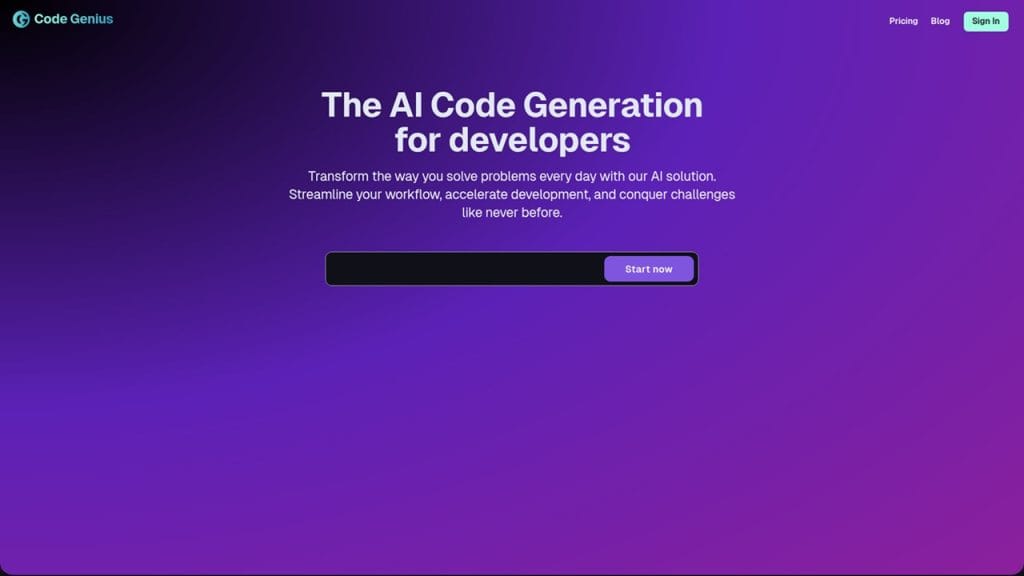
What is Code Genius?
Code Genius is an AI-powered development tool designed to streamline the coding process for developers, whether you’re working on frontend interfaces, backend APIs, or debugging legacy code. Powered by advanced machine learning models, Code Genius helps generate, review, and optimize code across multiple languages and frameworks.
Whether you’re a solo developer looking to speed up workflow or a team member in a fast-paced tech environment, this tool offers meaningful support — saving time, reducing errors, and boosting productivity. With a sleek interface and context-aware suggestions, Code Genius acts like a second brain for your coding tasks.
Key Features
1. AI Code Generation
Generate clean, production-ready code snippets from natural language prompts across languages like Python, JavaScript, Go, Java, and more.
2. Intelligent Debugging
Code Genius can identify bugs, suggest improvements, and even fix code blocks with high accuracy — just paste your snippet and let it work.
3. Contextual Code Explanation
Need help understanding a complex function or module? The tool explains code logic in plain English, ideal for beginners or when onboarding.
4. Project Integration
Seamlessly integrates with popular IDEs like VS Code, JetBrains, and GitHub Copilot workflows, enhancing your daily development setup.
5. Version Control Awareness
Understand code differences, track changes, and improve merge conflict resolution using smart insights pulled from Git history.
✅ Pros of Using Code Genius
Speed Up Development
Automates repetitive tasks and reduces the time spent writing boilerplate code — especially helpful when juggling multiple projects.
High Accuracy
The AI behind Code Genius is trained on a wide dataset of open-source code and technical documentation, making its output surprisingly accurate and relevant.
Multi-Language Support
From Python to Rust, Code Genius supports a broad range of programming languages, making it suitable for full-stack and polyglot developers.
Learning and Growth
Beginners and junior developers can learn faster by getting real-time feedback, explanations, and best practices directly in their editor.
❌ Cons to Consider
Limited Offline Support
Code Genius relies heavily on an internet connection. If you’re coding offline or with limited connectivity, its features are restricted.
Advanced Features Behind Paywall
While it’s free to start, many of the high-performance features — like custom model tuning or team analytics — are available only in paid plans.
Occasional Irrelevant Suggestions
Despite being intelligent, the AI may occasionally suggest code that doesn’t fully align with the developer’s intent, requiring manual refinement.
Who is Using Code Genius?
Primary Users
Code Genius is trusted by a wide range of developers, from solo coders to enterprise engineering teams. Its intuitive interface and reliable output make it particularly valuable for:
- Software Engineers
- Full-Stack Developers
- Frontend/Backend Specialists
- QA Testers
- Computer Science Students and Bootcamp Learners
Use Cases
- Rapid Prototyping for Startups
Founders and small dev teams use Code Genius to quickly build out MVPs and prototypes. The tool helps them translate ideas into working code in record time, without needing a full development staff. - Code Review and Optimization in Enterprise Projects
Large organizations integrate Code Genius into their CI/CD workflows to automate parts of their code review process. It flags redundant code, suggests refactors, and reduces the back-and-forth in pull requests. - Educational Support for New Developers
Students and self-taught coders use Code Genius as a learning companion. Whether you’re stuck on a coding challenge or struggling to understand syntax, it provides instant explanations and working examples.
Pricing
Code Genius offers flexible pricing to accommodate everyone from hobbyists to enterprise teams.
Plan | Price | Features |
Starter | Free | Access to basic code generation, up to 25 prompts/month, limited language support |
Pro | $14/month | Unlimited prompts, all language models, IDE integrations, and enhanced support |
Team | $49/month per user | Everything in Pro, plus team collaboration tools, API access, version control features, and analytics dashboard |
Note: For the most accurate and up-to-date pricing, visit the official Code Genius website.
What Makes Code Genius Unique?
Several coding assistants are available today, but Code Genius carves its niche through a focus on context-aware development. Rather than spitting out generic code snippets, it reads and understands surrounding code, project structures, and even variable naming conventions to tailor its output.
Another standout feature is its natural-language explanation engine. Where other tools might generate the “what,” Code Genius explains the “why.” This makes it an ideal teaching tool as well as a productivity booster.
Its ability to integrate into existing development environments with minimal setup also makes it highly attractive to teams who want power without the pain of a steep learning curve.
Compatibilities and Integrations
- Integration 1: Visual Studio Code (VS Code)
- Integration 2: JetBrains IDEs (e.g., IntelliJ IDEA, PyCharm)
- Integration 3: GitHub/GitLab CI Pipelines
- Hardware Compatibility: Supports macOS (including Apple Silicon), Windows, and Linux; optimized for both Nvidia and AMD GPUs
- Standalone Application: Yes — it can run as a web-based standalone tool or through IDE plugins
Tutorials and Resources of Code Genius
Getting started with Code Genius is refreshingly easy, thanks to a well-structured set of learning materials designed for developers at all levels.
- Official Documentation: The Code Genius Help Center features detailed setup guides, command references, and how-tos for each feature. It’s frequently updated with version releases.
- Interactive Walkthroughs: First-time users are greeted with an in-app onboarding tour that walks through generating, explaining, and debugging code.
- Video Tutorials: The platform hosts a YouTube channel with practical demos — including real-time debugging, API integration examples, and Git workflows.
- Community Forums & Discord: Developers can connect, share best practices, and even suggest feature updates in a dedicated Discord server and official forum.
- Blog & Case Studies: Weekly articles cover everything from productivity tips to industry use cases, especially helpful for teams deciding whether to integrate AI tools into their stack.
How We Rated It
Category | Rating |
Accuracy and Reliability | ⭐⭐⭐⭐✰ (4.5/5) |
Ease of Use | ⭐⭐⭐⭐⭐ (5/5) |
Functionality and Features | ⭐⭐⭐⭐✰ (4.5/5) |
Performance and Speed | ⭐⭐⭐⭐⭐ (5/5) |
Customization and Flexibility | ⭐⭐⭐⭐ (4/5) |
Data Privacy and Security | ⭐⭐⭐⭐✰ (4.5/5) |
Support and Resources | ⭐⭐⭐⭐⭐ (5/5) |
Cost-Efficiency | ⭐⭐⭐⭐ (4/5) |
Integration Capabilities | ⭐⭐⭐⭐✰ (4.5/5) |
Overall Score | ⭐⭐⭐⭐✰ (4.5/5) |
Code Genius offers an impressive blend of functionality, accuracy, and user-friendliness, making it one of the standout AI development assistants currently on the market. Its strongest appeal lies in its contextual intelligence and real-world applicability — especially for solo developers, small teams, and tech educators.
The availability of rich learning resources and seamless IDE integration means you won’t need to spend weeks getting familiar with it. While a few advanced features are locked behind paywalls, the free version is generous enough to deliver genuine value.
If you’re looking for a dependable, intelligent coding companion that goes beyond just generating lines of code, Code Genius is well worth considering.