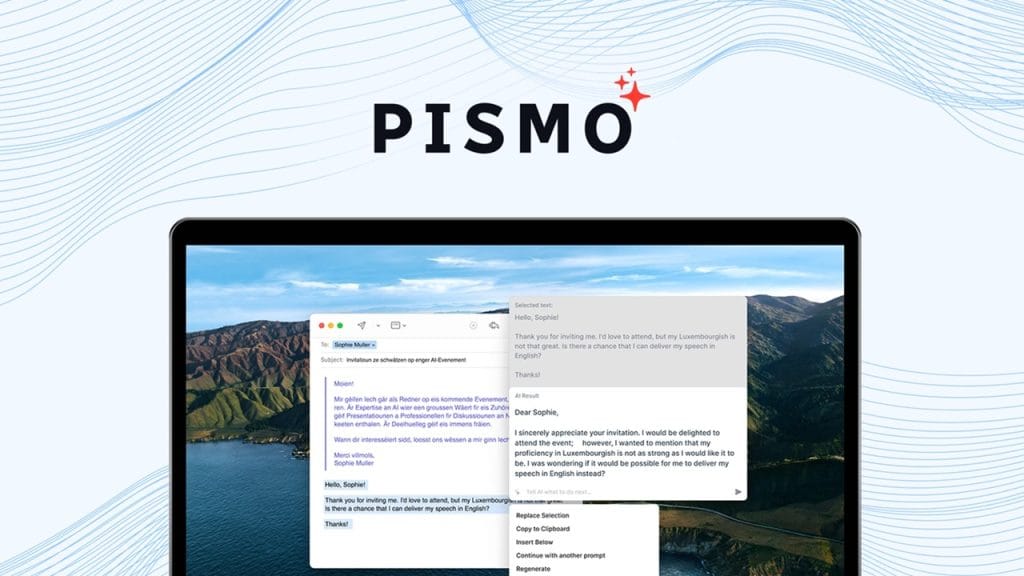
What is Pismo?
Pismo is a versatile video editing and enhancement tool designed to simplify the process of creating professional-grade videos. Whether you’re a content creator polishing YouTube videos or a marketer crafting promotional content, Pismo offers a suite of intuitive features to enhance video quality, streamline editing workflows, and elevate visual storytelling. It tackles common pain points like time-consuming edits, low-quality footage, and complex software interfaces, making it accessible for both beginners and seasoned editors.
Key Features
- AI-Powered Video Enhancement: Automatically improves video clarity, color balance, and sharpness, even for low-resolution footage.
- Non-Linear Editing Timeline: Offers a flexible, user-friendly timeline for precise video and audio editing.
- Real-Time Preview: Allows users to see changes instantly without rendering, speeding up the editing process.
- Stock Media Library: Provides access to a built-in collection of royalty-free music, transitions, and effects.
- Multi-Format Export: Supports exporting videos in various formats and resolutions, including 4K and social media-optimized sizes.
✅ Pros
- User-Friendly Interface: Pismo’s clean design and drag-and-drop functionality make it approachable for beginners while still offering depth for pros.
- AI Enhancements Save Time: The AI-driven tools quickly upscale and refine footage, reducing manual tweaking.
- Affordable Freemium Model: The free tier offers robust features, making it accessible for hobbyists or small businesses.
- Cross-Platform Compatibility: Works seamlessly on Windows, macOS, and Linux, ensuring flexibility for diverse users.
❌ Cons
- Limited Advanced Features in Free Tier: Advanced tools like motion tracking are locked behind the premium plan.
- Learning Curve for AI Tools: While intuitive, mastering the AI enhancement settings can take some trial and error.
- Internet Dependency for Stock Library: Accessing the stock media library requires a stable internet connection, which can be inconvenient for offline work.
Who is Using Pismo?
Primary Users
Pismo caters to a wide range of users, including YouTubers, small business owners, freelance videographers, and social media content creators. Its versatility also makes it appealing to educators and marketers who need polished videos without investing in overly complex software.
Use Cases
- YouTube Content Creation: YouTubers use Pismo to enhance low-quality footage, add professional transitions, and export videos optimized for platform specifications.
- Marketing Campaigns: Small businesses leverage Pismo’s stock library and templates to create engaging promotional videos quickly.
- Educational Content: Teachers and e-learning creators use Pismo to produce clear, visually appealing tutorials with annotations and effects.
Pricing
- Free Plan: $0/month – Basic editing tools, AI enhancement for up to 720p, limited stock library access.
- Pro Plan: $19.99/month – Full AI enhancement suite, 4K export, motion tracking, and unlimited stock library access.
- Enterprise Plan: Custom pricing – Advanced collaboration tools, priority support, and custom branding options.
Note: For the most accurate and current pricing details, refer to the official website.
What Makes Pismo Unique?
Pismo stands out in the crowded video editing market with its AI-powered enhancement tools, which rival those of pricier competitors. Its ability to upscale low-resolution footage to near-4K quality is a game-changer for creators working with older or budget equipment. Additionally, Pismo’s seamless integration of a royalty-free stock library within the editor eliminates the need for external resources, saving time and effort. The balance of simplicity and power makes it a go-to for users who want professional results without a steep learning curve.
Compatibilities and Integrations
- Integration 1: Adobe Premiere Pro (export/import project files for advanced workflows).
- Integration 2: Canva (direct export to Canva for graphic overlays).
- Integration 3: DaVinci Resolve (compatible project file sharing for color grading).
- Hardware Compatibility: Optimized for Apple Silicon, Nvidia/AMD GPUs, and Intel processors.
- Standalone Application: Yes.
Tutorials and Resources of Pismo
Pismo offers a wealth of resources to help users get started and maximize the tool’s potential. The official website hosts a comprehensive knowledge base with step-by-step guides on everything from basic edits to advanced AI enhancements. Their YouTube channel features video tutorials, including a beginner’s series and tips for optimizing exports. A community forum allows users to share tips, ask questions, and showcase their projects. Additionally, Pismo’s blog provides case studies and creative inspiration for leveraging the tool in various industries.
How We Rated It
Category | Rating |
Accuracy and Reliability | ⭐⭐⭐⭐☆ 4/5 |
Ease of Use | ⭐⭐⭐⭐⭐ 5/5 |
Functionality and Features | ⭐⭐⭐⭐☆ 4/5 |
Performance and Speed | ⭐⭐⭐⭐☆ 4/5 |
Customization and Flexibility | ⭐⭐⭐⭐☆ 4/5 |
Data Privacy and Security | ⭐⭐⭐⭐☆ 4/5 |
Support and Resources | ⭐⭐⭐⭐⭐ 5/5 |
Cost-Efficiency | ⭐⭐⭐⭐☆ 4/5 |
Integration Capabilities | ⭐⭐⭐⭐☆ 4/5 |
Overall Score | ⭐⭐⭐⭐☆ 4.2/5 |
Pismo is a standout video editing tool that blends ease of use with powerful AI-driven features, making it ideal for creators who want professional results without complexity. Its strengths lie in its intuitive interface, robust free tier, and impressive AI enhancements, which make even low-quality footage shine. While the free plan lacks some advanced features and the stock library requires an internet connection, the Pro plan offers excellent value for serious creators. Best suited for YouTubers, marketers, and educators, Pismo is a versatile, cost-effective solution for crafting high-quality videos. Its extensive tutorials and seamless integrations further enhance its appeal, making it a worthy contender in the video editing space.