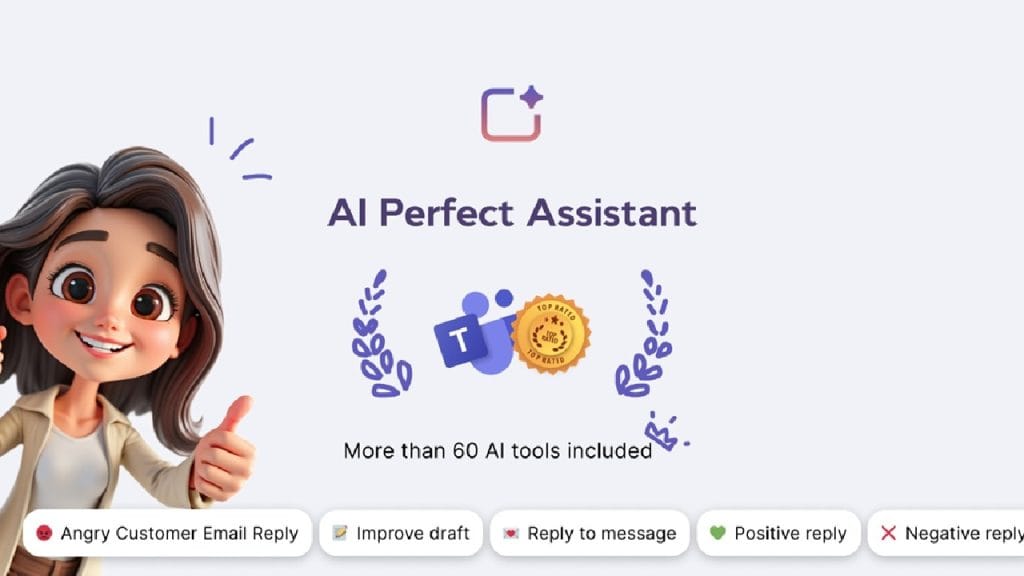
What is AI Perfect Assistant?
AI Perfect Assistant is a robust AI-powered tool designed to enhance productivity by seamlessly integrating with Microsoft Office applications like Word, PowerPoint, Outlook, and Teams. It automates mundane tasks such as drafting documents, creating professional presentations, and responding to emails, saving users valuable time. Whether you’re a busy professional juggling multiple projects or a content creator looking to streamline your workflow, this tool aims to simplify complex tasks while maintaining high-quality output. Its intuitive design and AI-driven features make it a go-to solution for anyone seeking efficiency without compromising creativity.
Key Features
- Text-to-Slide Conversion: Transform raw text into polished PowerPoint slides with minimal effort, perfect for quick presentation creation.
- Ghostwriting for Documents: Generate professional, well-structured documents in Microsoft Word based on simple prompts or outlines.
- Email and Chat Automation: Draft and respond to messages in Outlook and Teams with context-aware, professional replies.
- Multilingual Translation: Break language barriers with real-time translation across multiple languages, ideal for global teams.
- Grammar and Style Correction: Automatically detect and fix spelling, grammar, and tone issues to ensure polished content.
✅ Pros
- Seamless Office Integration: Works effortlessly with Microsoft Office Suite, making it a natural fit for users already in this ecosystem. No need to switch apps or learn new software.
- Time-Saving Automation: From presentations to emails, it automates repetitive tasks, freeing up time for more strategic work.
- User-Friendly Interface: The intuitive design ensures even beginners can start using it with minimal setup or training.
- Versatile Applications: Supports a wide range of tasks, from professional writing to casual communication, catering to diverse user needs.
❌ Cons
- Token Limitations: The free plan and lower-tier subscriptions come with token caps, which may restrict heavy users.
- Learning Curve for Advanced Features: While basic functions are easy, mastering the full range of tools may take some time for new users.
- Internet Dependency: Requires a stable internet connection for optimal performance, which could be a drawback in low-connectivity environments.
Who is Using AI Perfect Assistant?
Primary Users
AI Perfect Assistant is a versatile tool embraced by a wide range of professionals, including corporate professionals, content creators, e-commerce businesses, educators, freelancers, and non-profits. Its flexibility makes it suitable for anyone looking to streamline content creation or communication tasks.
Use Cases
- Crafting Professional Presentations: Corporate professionals use AI Perfect Assistant to quickly generate visually appealing PowerPoint slides for meetings and pitches, saving hours of manual design work.
- Streamlining Content Creation: Content creators leverage the tool to draft blog posts, social media content, and video scripts, ensuring consistency and quality with minimal effort.
- Enhancing E-commerce Marketing: E-commerce businesses utilize the tool to create compelling product descriptions and email campaigns, boosting customer engagement and sales.
Pricing
- Free Tier: $0/month – Includes basic features like text-to-slide conversion, grammar correction, and limited token usage for small-scale projects.
- Pro Plan: $29/month – Offers advanced features like unlimited document drafting, priority support, and higher token limits for frequent users.
- Enterprise Plan: Custom pricing – Includes full access to all features, team collaboration tools, and dedicated support for large organizations.
Note: For the most accurate and current pricing details, refer to the official website at perfectassistant.ai.
What Makes AI Perfect Assistant Unique?
AI Perfect Assistant stands out for its deep integration with Microsoft Office applications, which allows users to work within familiar tools without needing additional software. Its ability to handle over 40 AI-powered functions, from content creation to translation, sets it apart from competitors that often focus on narrower use cases. The tool’s customizable settings let users tailor outputs to their specific style and tone, ensuring brand consistency. Additionally, its Chrome Extension and Telegram Web App extend its functionality beyond the desktop, making it a versatile companion for web-based and mobile workflows.
Compatibilities and Integrations
- Microsoft Word: Seamlessly integrates for document drafting, editing, and summarization.
- Microsoft PowerPoint: Converts text to slides and enhances presentation design.
- Microsoft Outlook and Teams: Automates email and chat responses with context-aware suggestions.
- Chrome Extension: Enables AI tools while browsing the web for research or content creation.
- Telegram Web App: Supports mobile messaging automation and task management.
- Hardware Compatibility: Compatible with Windows, macOS, and mobile devices (iOS/Android).
- Standalone Application: No, it functions as an add-on to existing platforms like Microsoft Office and web browsers.
Tutorials and Resources of AI Perfect Assistant
Getting started with AI Perfect Assistant is straightforward, thanks to its comprehensive library of tutorials and guides available on the official website. These resources cater to both beginners and advanced users, covering everything from initial setup to mastering complex features like automated slide creation or multilingual translation. Step-by-step video tutorials walk users through integrating the tool with Microsoft Office, while written guides offer tips on optimizing workflows. The website also features a blog with use-case-specific advice, such as “How to Create Stunning Presentations in Minutes” or “Streamlining Email Responses with AI.” For community support, users can join the AI Perfect Assistant Slack channel to share ideas and get real-time help from other users.
How We Rated It
Criteria | Rating |
Accuracy and Reliability | ⭐️⭐️⭐️⭐️½ (4.5/5) |
Ease of Use | ⭐️⭐️⭐️⭐️⭐️ (4.8/5) |
Functionality and Features | ⭐️⭐️⭐️⭐️½ (4.7/5) |
Performance and Speed | ⭐️⭐️⭐️⭐️ (4.0/5) |
Customization and Flexibility | ⭐️⭐️⭐️⭐️½ (4.5/5) |
Data Privacy and Security | ⭐️⭐️⭐️⭐️ (4.0/5) |
Support and Resources | ⭐️⭐️⭐️⭐️½ (4.5/5) |
Cost-Efficiency | ⭐️⭐️⭐️⭐️ (4.0/5) |
Integration Capabilities | ⭐️⭐️⭐️⭐️½ (4.5/5) |
Overall Score | ⭐️⭐️⭐️⭐️½ (4.5/5) |
AI Perfect Assistant is a powerful, user-friendly tool that excels at automating and enhancing productivity tasks within the Microsoft Office ecosystem. Its strengths lie in its seamless integrations, versatile feature set, and ability to cater to diverse users, from corporate professionals to content creators and e-commerce businesses. Standout features include its text-to-slide conversion, ghostwriting capabilities, and multilingual translation, which make it a valuable asset for streamlining workflows. While the token limitations and internet dependency may pose challenges for some, its affordability and robust support resources make it a compelling choice. Ideal for anyone looking to save time and elevate their content creation game, AI Perfect Assistant is a must-try for 2025.